



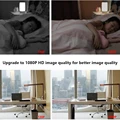
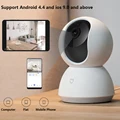


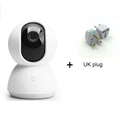

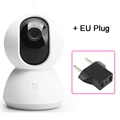
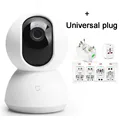

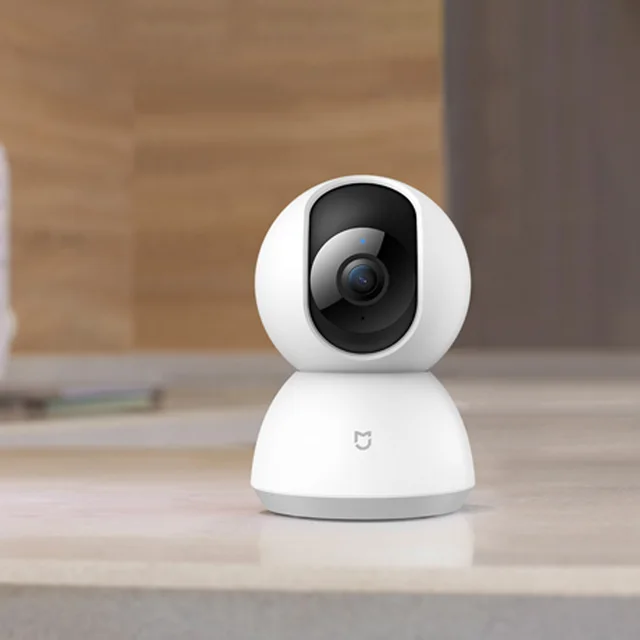
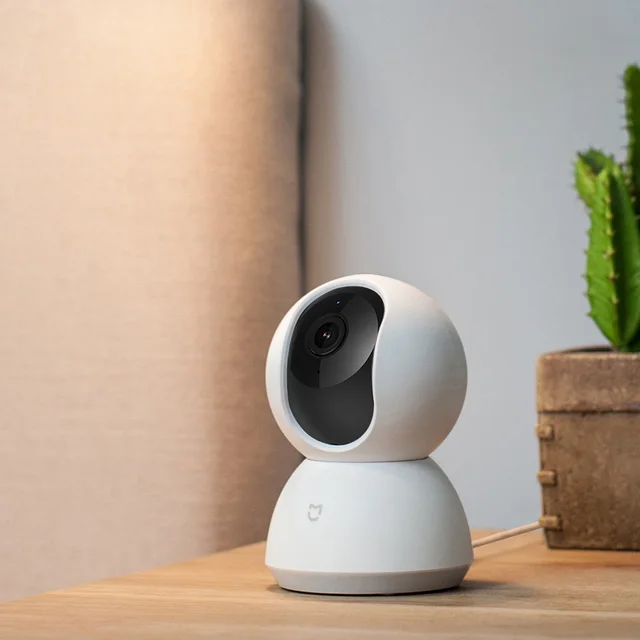

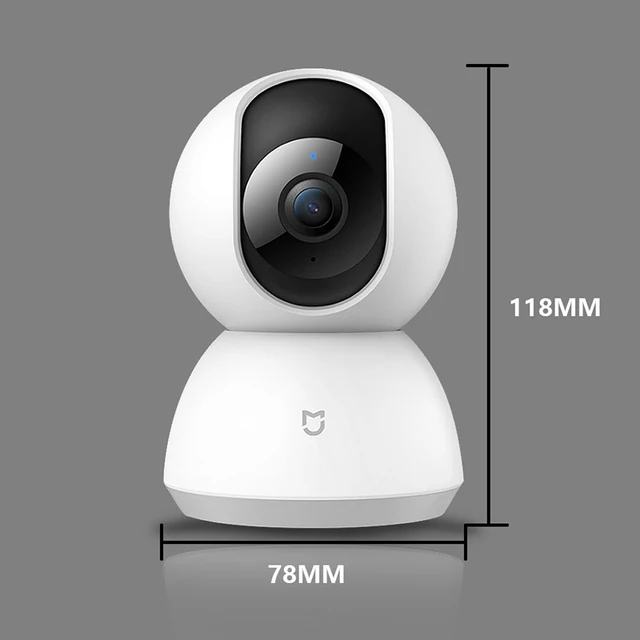

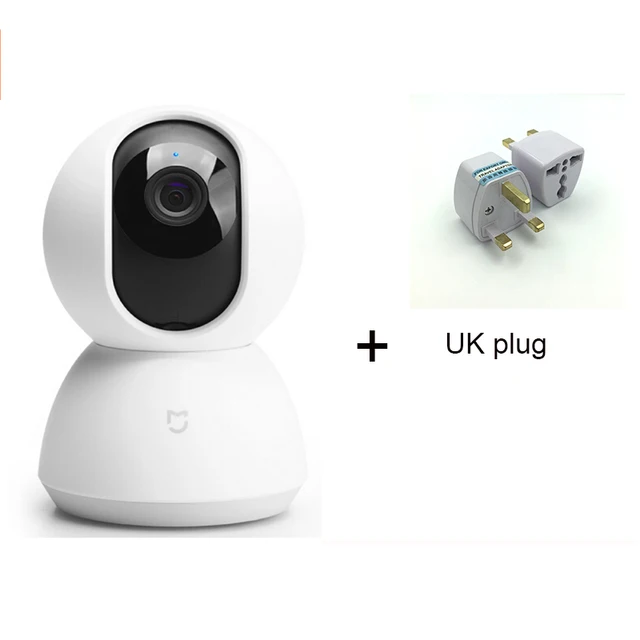
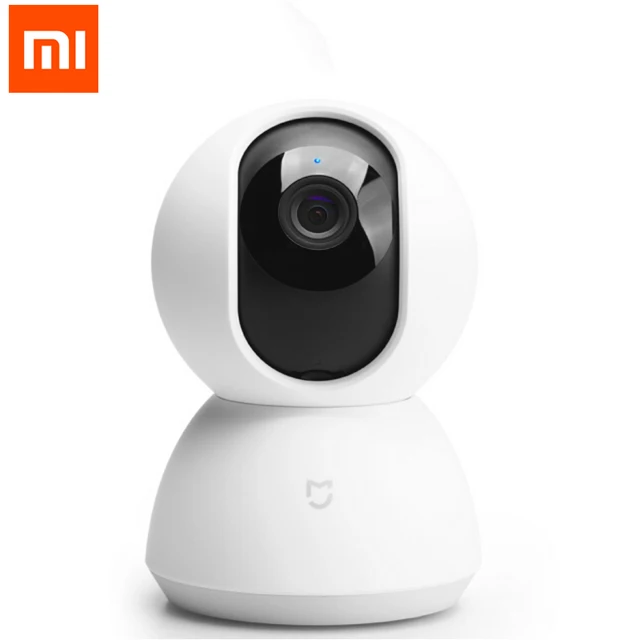
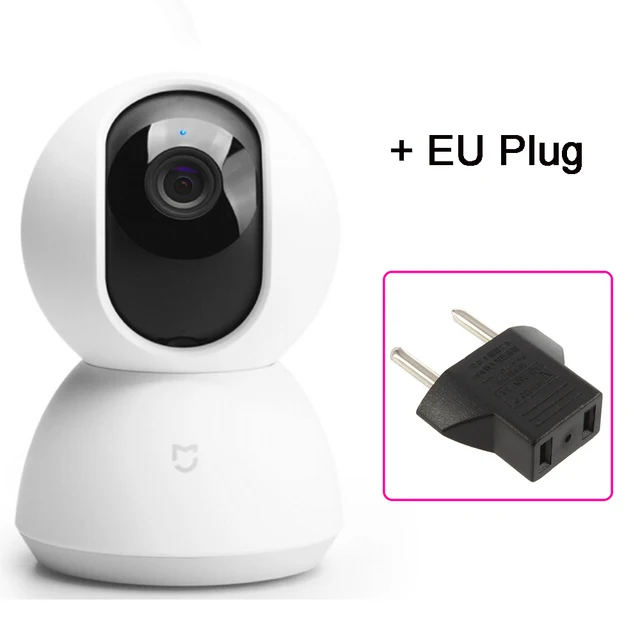
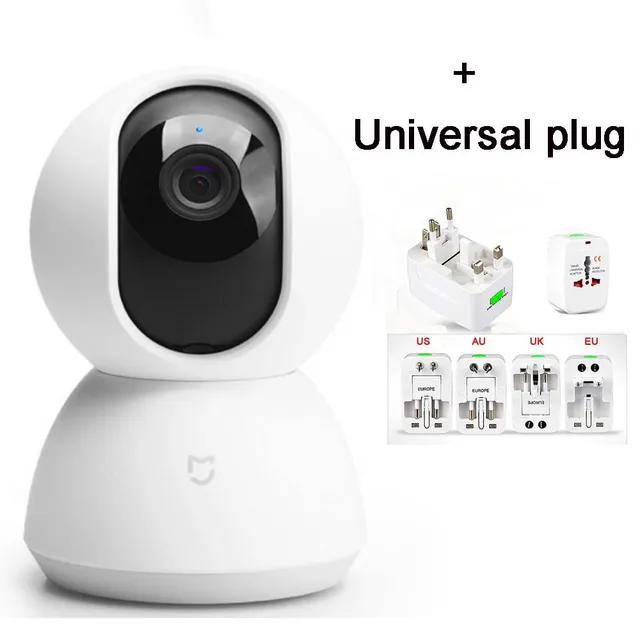
2018 new Original Xiaomi Mijia Smart Camera PTZ Version 1080P Night Vision Webcam 360 Angle Camcorder WiFi Wireless Mute
Colour:
Bundle:
Buy With Confidence
100% Safe Payment
;


You May Also Like...
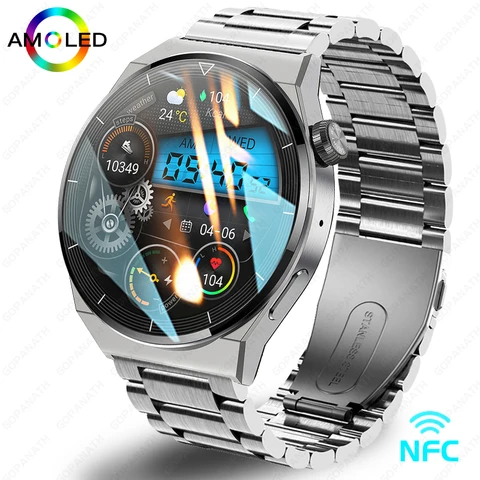
2023 New Watch GT3 Pro Smart Watch Men NFC Waterproof Sport Fitness Tracker Bluetooth Call Smartwatch Man For HUAWEI Android IOS
R1039.98
 -15%
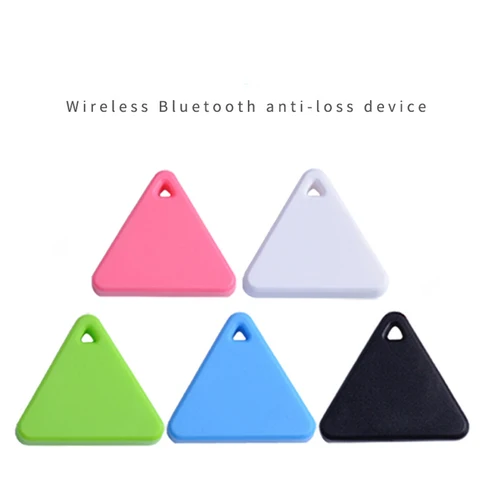
-15%Mini Tracking Device Air Tag Key Child Finder Pet Tracker Location Smart Bluetooth GPS Tracker Car Pet Vehicle Anti Lost Tracker
R207.86
R155.85
 -15%
-15%116Plus Smart Bracelet Sports Bracelet D13 Color Screen Bracelet Sports Pedometer Bluetooth Reminder Heart Rate Blood Pressure
R207.86
R176.65
 -15%
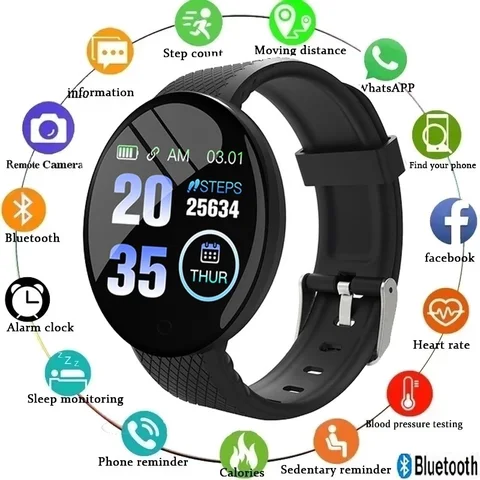
-15%Smart Watch Men Smart Bracelet Smartwatch Waterproof Smart Touch Screen Smart Watch Woman Wartch Inteligente Bluetooth d18
R207.86
R176.65

2022 46mm New Smart Watch For Men Bluetooth Call Waterproof Sport Heart Rate Blood Pressure Men's Smartwatch for Android IOS
R3397.65
Description
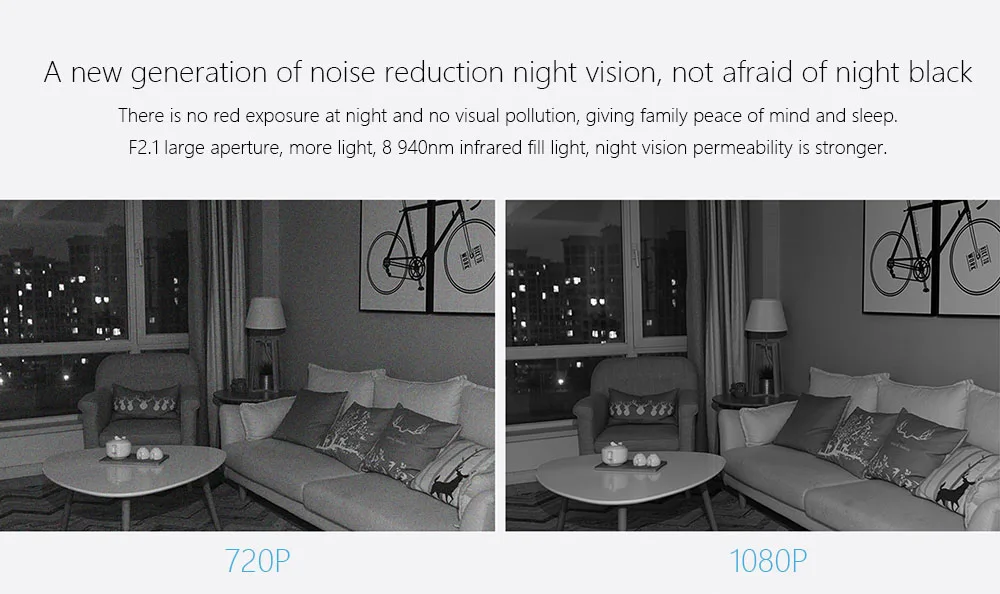
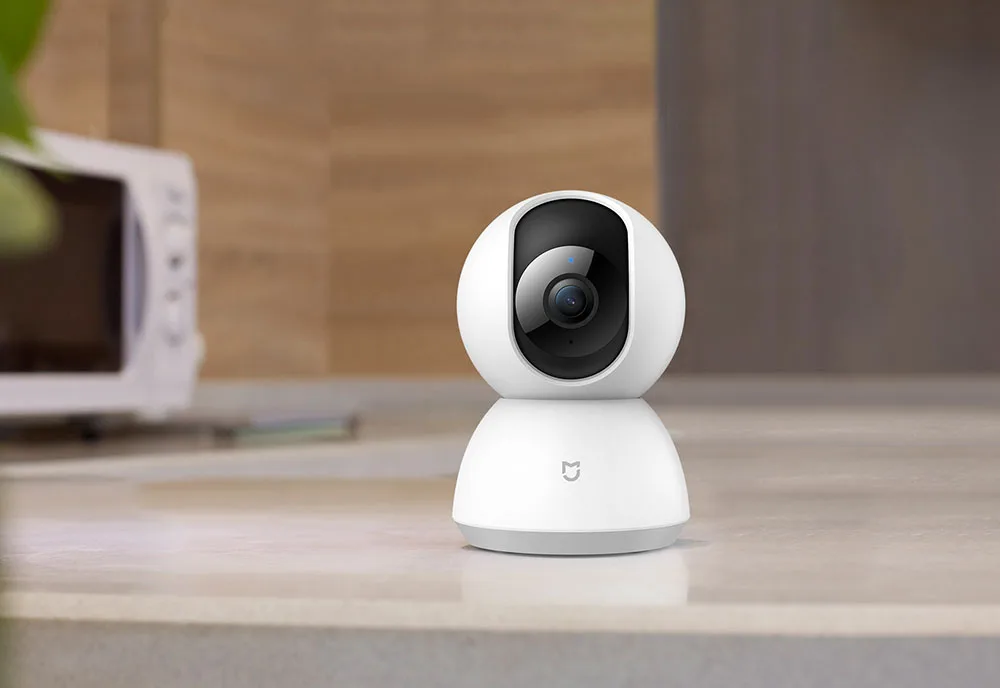
NOTE:1·The original packaging:US plug= One Xiaomi xiaobai Camera US plug2·video cameras, Instructions, is the Chinese version, Do not understand, pleasecontact me,Or please see the details below, the steps3·this camera is connected to the power use, can only be connected to use WIFI4·Camera, in a relatively dark situation, will automatically switch to night mode5·xiaomi camera will be the second test in our company,Ensure the quality, toensure that you can use the camera6·When adding cameras, please select Chinese server in mijia settingsif you have any problems installing the camera, please contact me in timePlease click on the to view the video connection method1 · Yellow light indicates the camera is already connected to the power supply2 · Flashing yellow light means camera is waiting for connection3 · Flashing blue light means the camera is connecting4 blue light means the camera has been connected successfully5·If the camera has a connection timeout and the blue light of the camera is flashing, please wait 35 seconds without clicking on the phone. When the camera light shows blue directly, the camera has been connected successfully, please click on the phone to try again2018 Original Xiaomi Mijia 1080P HD Smart Camera PTZ version Infrared Night Vision Two-way Voice H.265 Coding Updated version
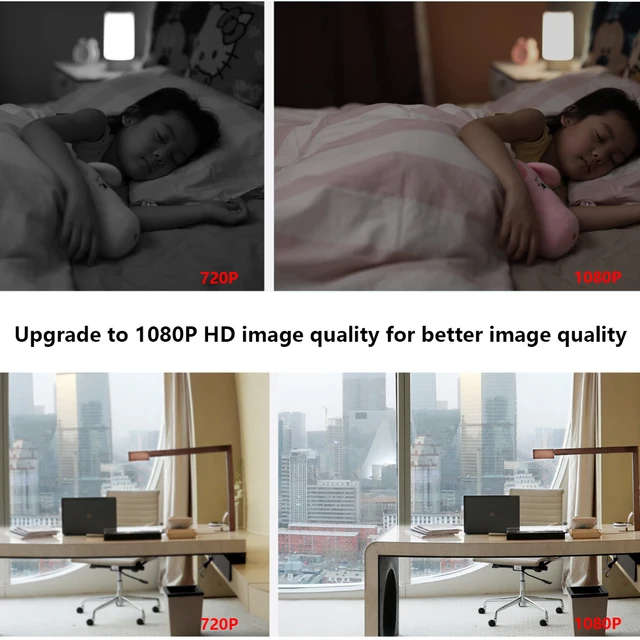
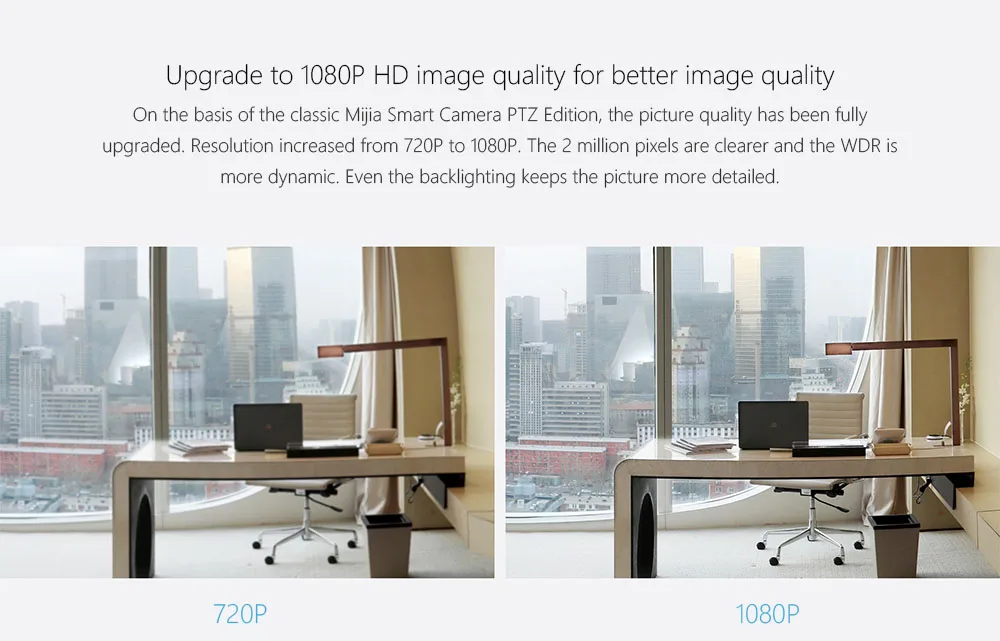
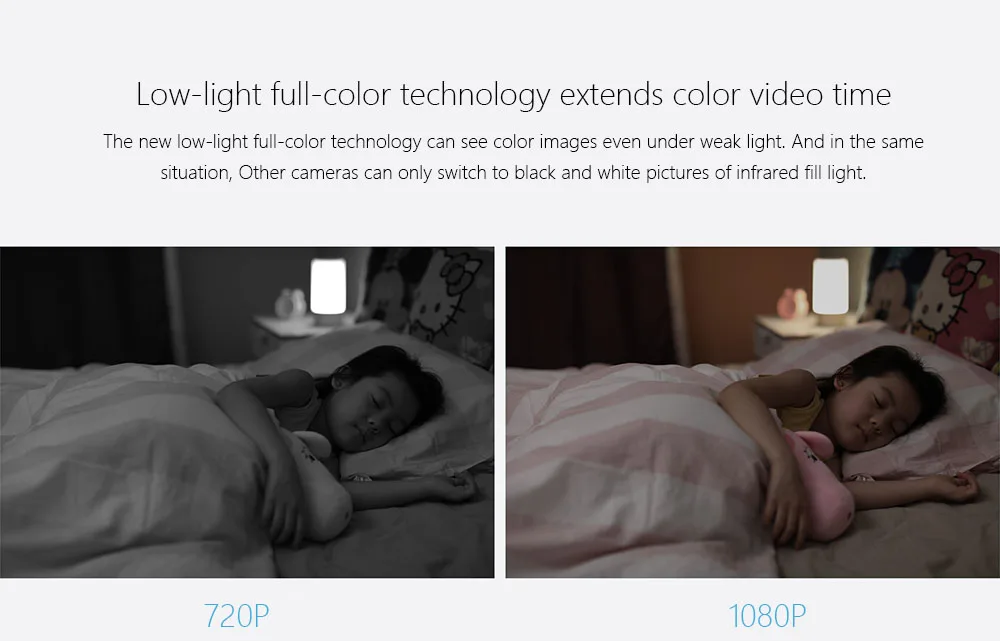
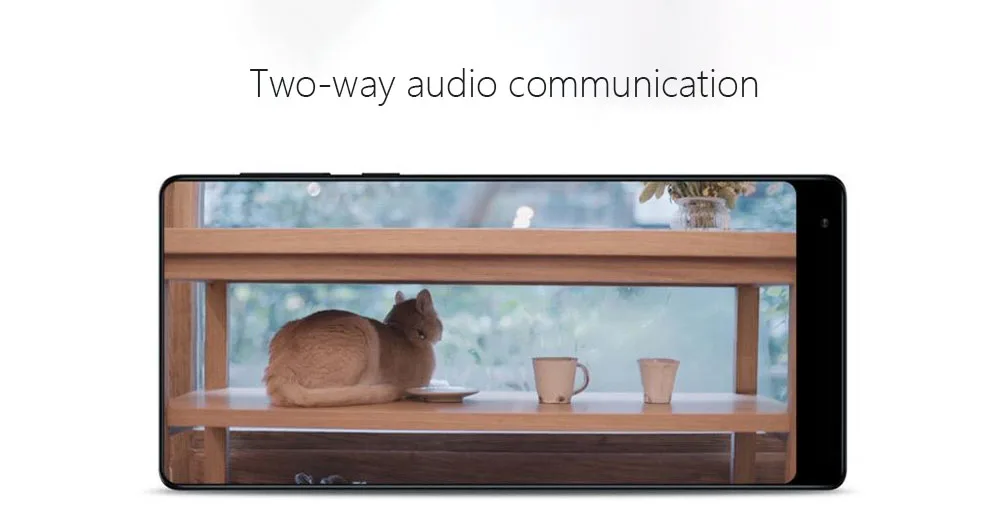
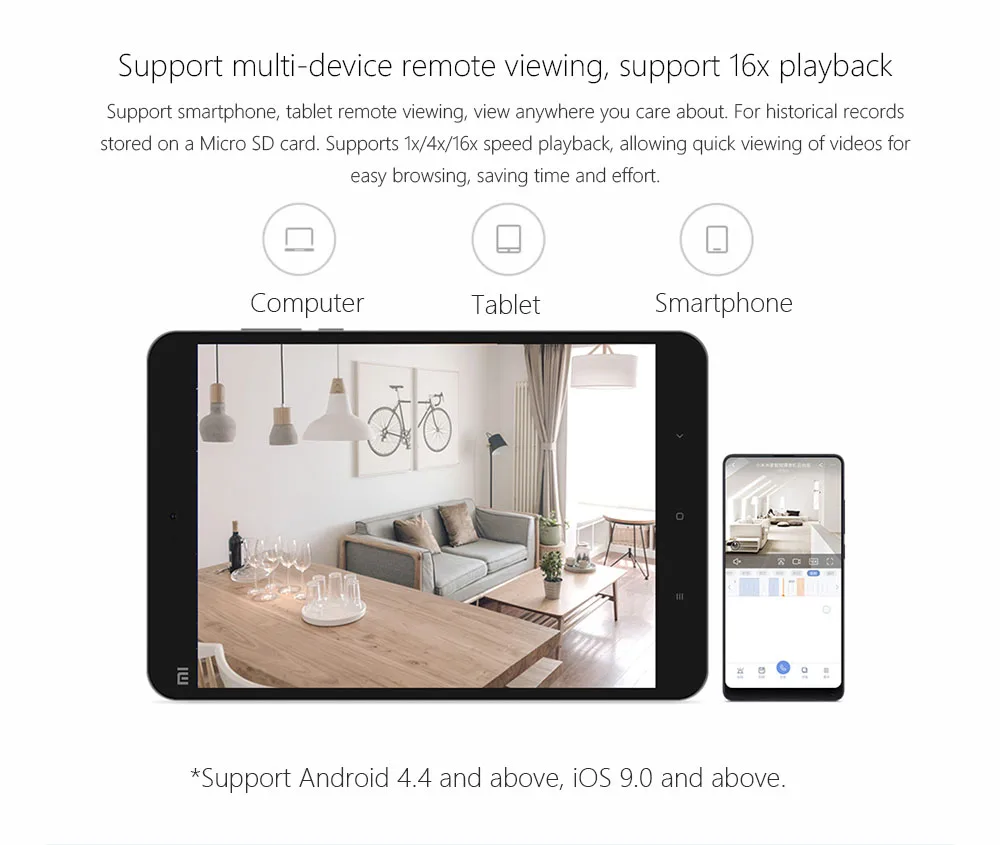
1080P HD | 360 ° Angle of view | Infrared night vision |
AI enhances motion detectio | Two-way voice | H.265 coding | Inverted installation






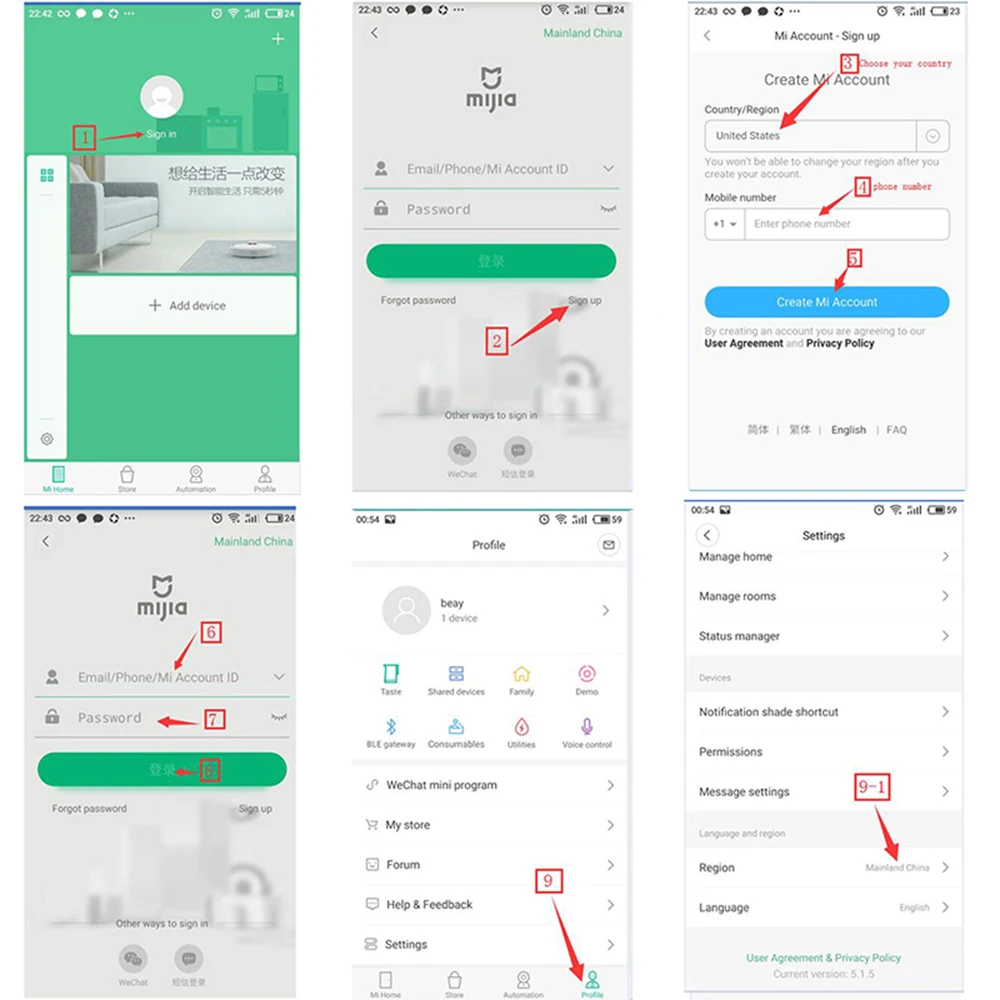
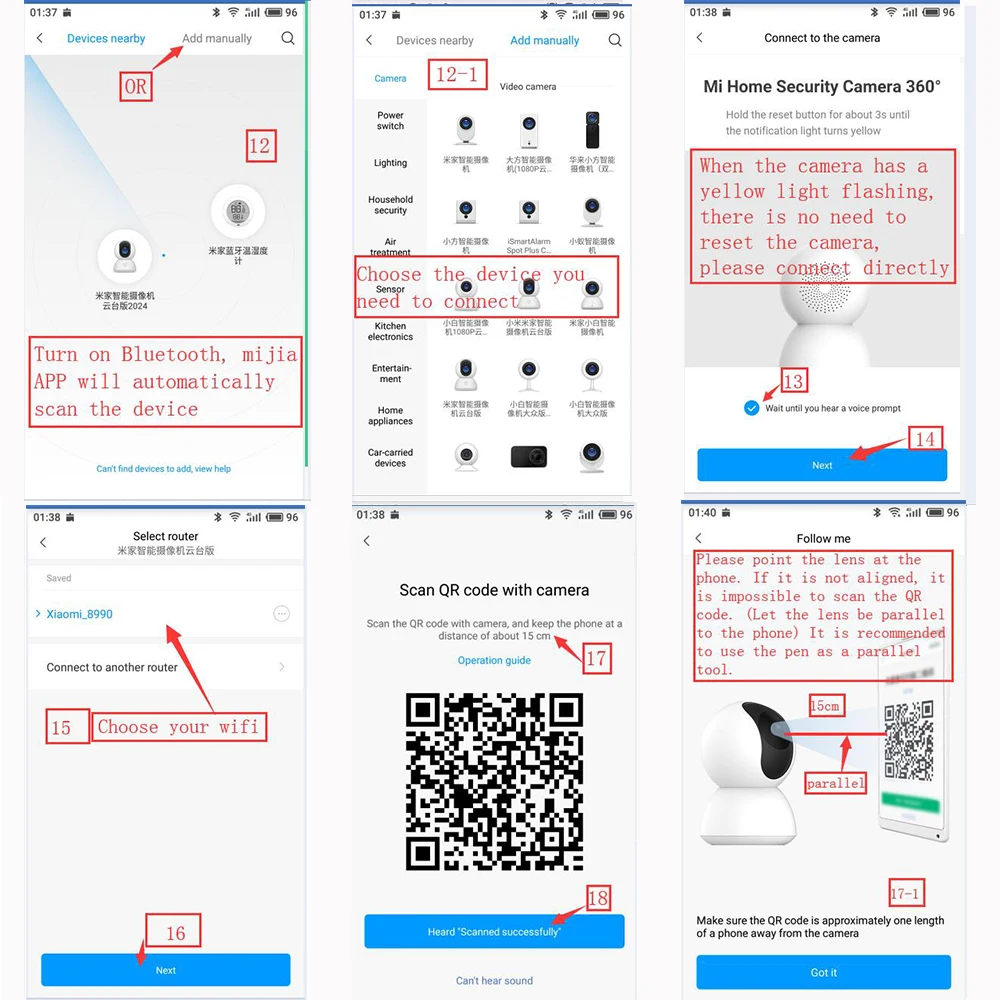

 Device binding timeout how to do?(Please refer to the figure below)
Please visit the router to check Wi-Fi settings:
xiaomi router address:192.168.31.1
Other router address:192.168.2.1
192.168.1.1
192.168.0.1
1, if you are buying a millet router: enter 192.168.31.1 in the browser; other routes, please enter: 192.168.1.1 or 192.168.0.1 or 192.168.1.0;
2, after landing account, click “Common Settings” – “Wi-Fi Settings”
3, Login successfully, enter the router settings interface
4, confirm the dual-band router off one (2.4G and 5G features), this product only supports 2.4G network
5, Router name must be in English
6, this product does not support the link hidden Wi-Fi, can not hide the Wi-Fi network;
7, Network must add password, encryption the way: WPA / WPA2;
8, Routing name and password is too long, there may be binding timeout, it is recommended to shorten the password and router name try to connect
9, Router can not blacklist camera device (or, MAC address binding)
10, can not xiaomi router intrusion defense switch, open to the highest level;
11, the market part of the optical cat box with routing function, the network port is also blocked will result in binding failure, it is recommended that users use the route binding;
12, some portable WIFI on the market (360 portable WIFI) may not support device binding, it is recommended that users use routing binding;
13 If the names of the routing relay names and the main routes are the same, the connection may not be connected because the device switches the network when the two routes have different signal strengths during the connection.
14, When connecting the camera, please restart the router, connect the camera near the router, the wifi signal will be unstable over long distance, the camera can not be connected
15,Use the camera, the effective distance of the WIFI signal, (general router, open area of 10 meters, the room router walls and other obstructions will block the WiFi signal, resulting in shorter wifi signal distance, resulting in video and picture is not clear, or interrupt connection )
16,Can not open WI-FI dual-band one (2.4G and 5G will use the same name after opening, the router will automatically select the best wifi network, the short-range signal, switch to 5G network, Remotely signal, switch to 2.4G network , Due to differences in terminal equipment, automatically switch the signal, resulting in network disruption, or have been connected to the camera, video and image, is not clear, the camera connection signal is bad, and other issues)
17, Other ways to set the router much the same, do not understand can ask router service providers


Follow us on: