
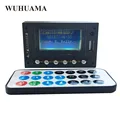
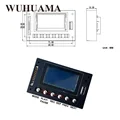
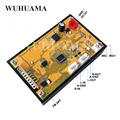
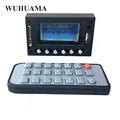
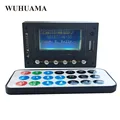
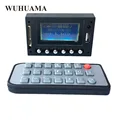
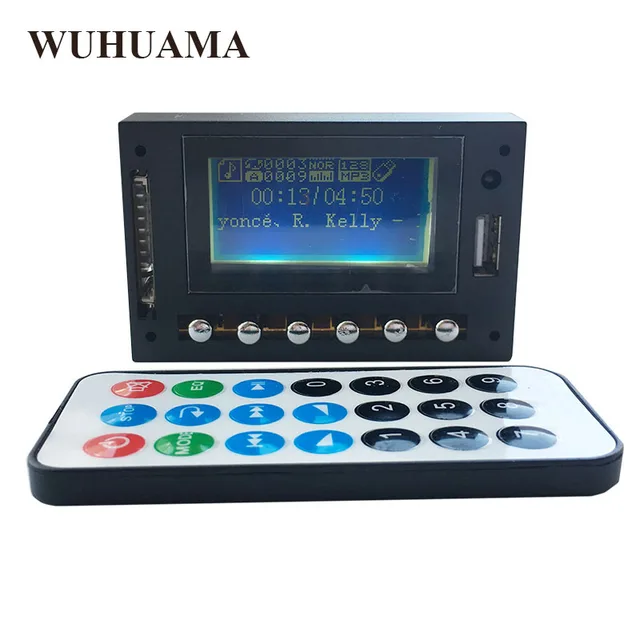
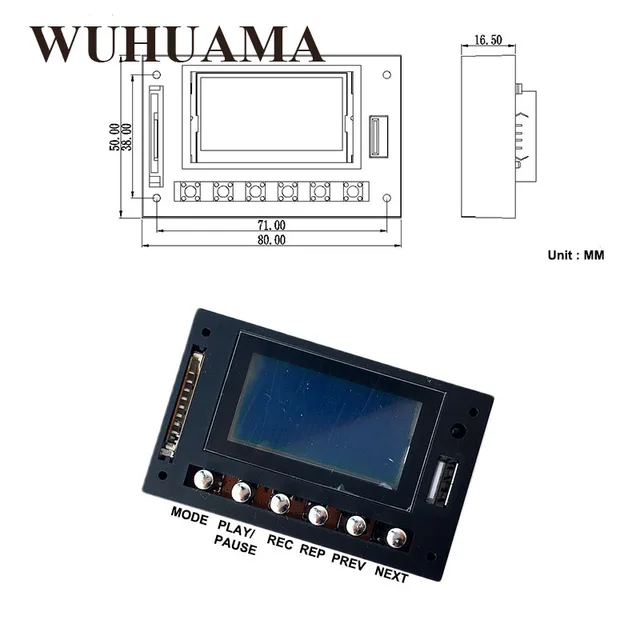
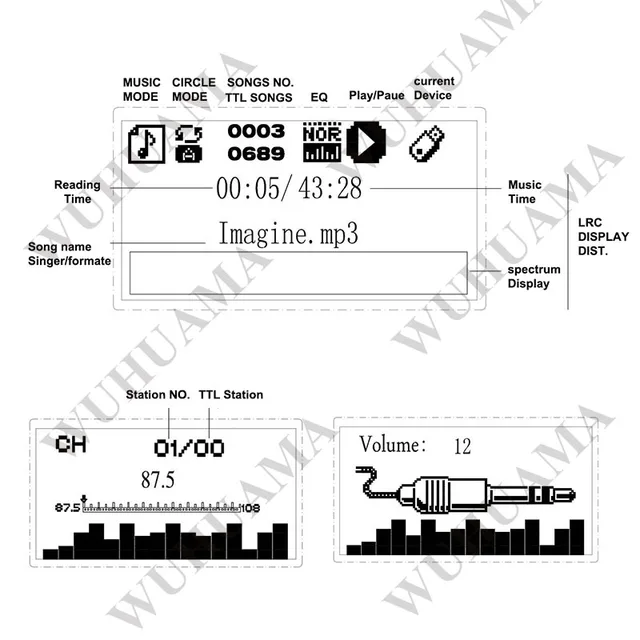
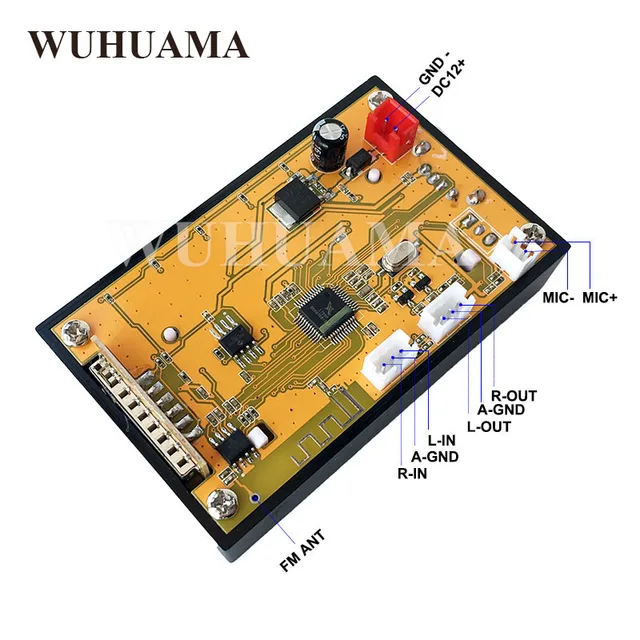
DC12V Blue LED Display MP3 WAV WMA Player Module Bluetooth FM SD USB Audio Decoder Board With Recording
Color:
Memory Size:
Buy With Confidence
100% Safe Payment
;


You May Also Like...
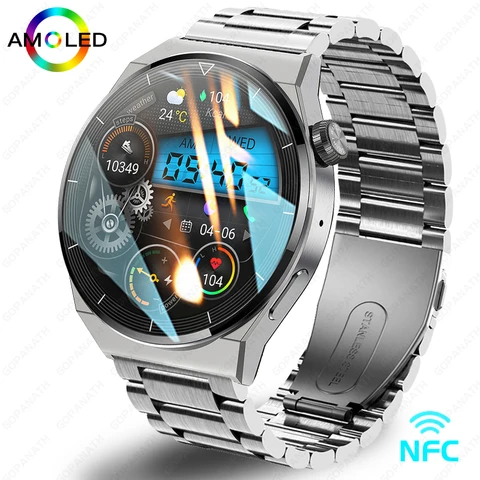
2023 New Watch GT3 Pro Smart Watch Men NFC Waterproof Sport Fitness Tracker Bluetooth Call Smartwatch Man For HUAWEI Android IOS
R1039.98
 -15%
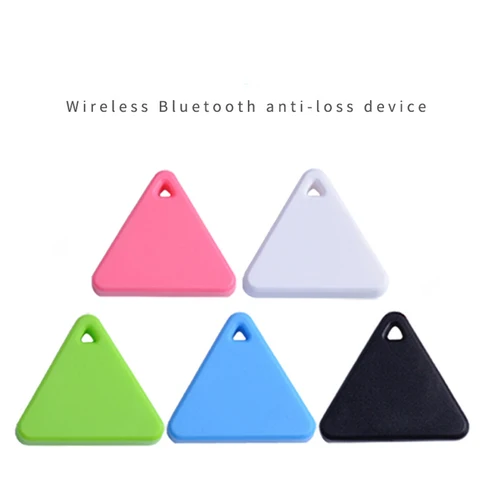
-15%Mini Tracking Device Air Tag Key Child Finder Pet Tracker Location Smart Bluetooth GPS Tracker Car Pet Vehicle Anti Lost Tracker
R207.86
R155.85
 -15%
-15%116Plus Smart Bracelet Sports Bracelet D13 Color Screen Bracelet Sports Pedometer Bluetooth Reminder Heart Rate Blood Pressure
R207.86
R176.65
 -15%
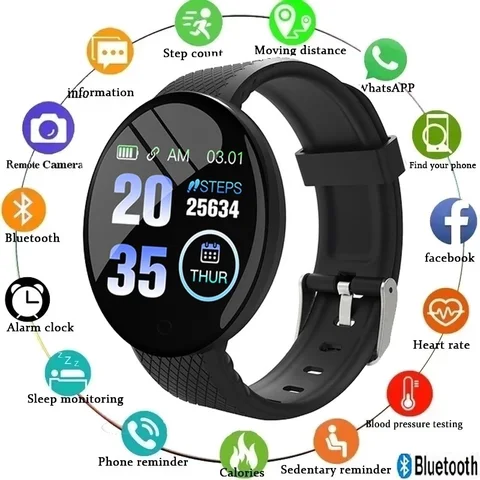
-15%Smart Watch Men Smart Bracelet Smartwatch Waterproof Smart Touch Screen Smart Watch Woman Wartch Inteligente Bluetooth d18
R207.86
R176.65

2022 46mm New Smart Watch For Men Bluetooth Call Waterproof Sport Heart Rate Blood Pressure Men's Smartwatch for Android IOS
R3397.65
Description

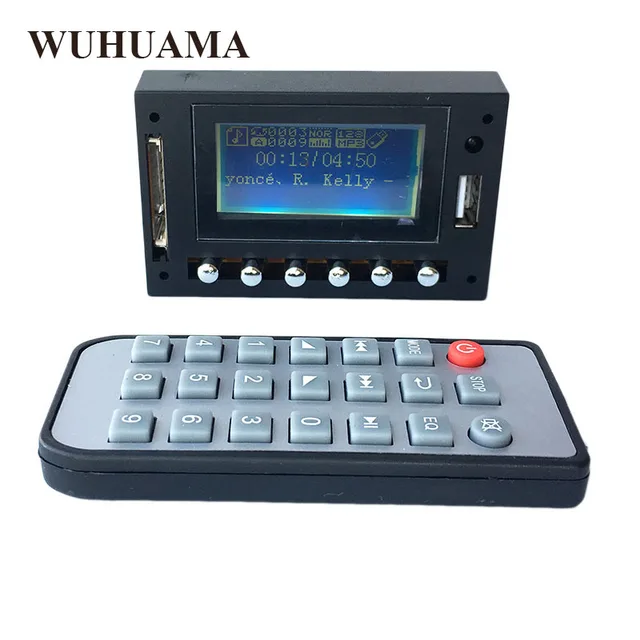
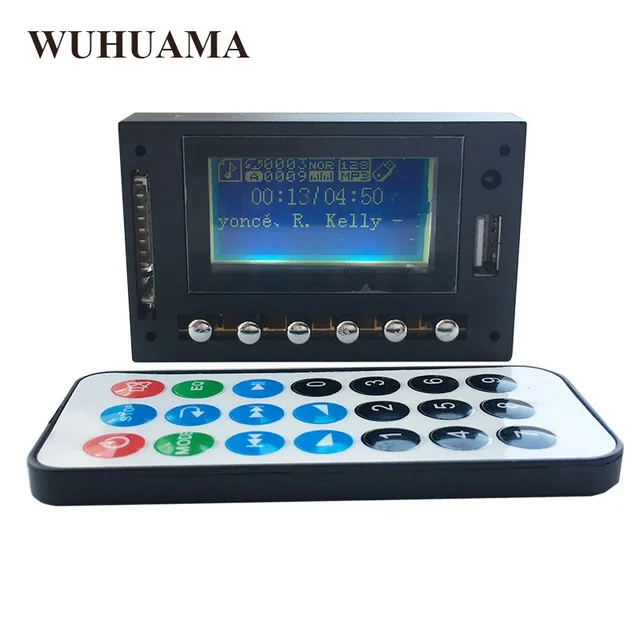
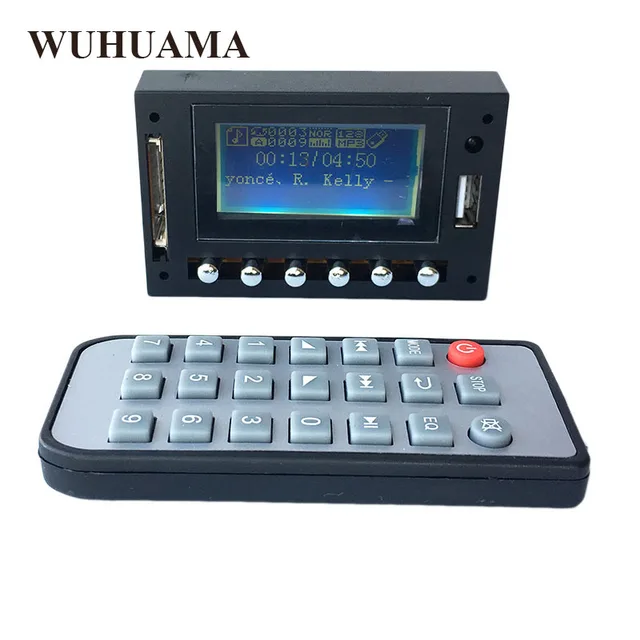
DC12V Blue LED Display MP3 WAV WMA Player Module Bluetooth FM SD USB Audio Decoder Board With Recording
Working Voltage : DC7-12V (Power should be DC ONLY , Never use AC , Over 12V Neither )
Working Current : MAX 1A , 200MA will be ok
– Support outside signal switch directly.
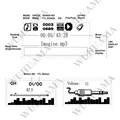
— Support Bluetooth–Support Lyric Display ( need download the lyric file )
— Support Sound Card and Card Reader Function
— Support USB / SD / Bluetooth / FM / LINE switch automatically.
— module containing MP3/WMA music decoder chip.
— Support USB, SD, MMC card for playback.
— Support USB / SD card switch, the song, the next song, fast forward, rewind, adjust volume, EQ, play / pause, stop, single repeat, mute, shutdown, elections songs.
— Support Bluetoot previous song, next song, adjust volume, EQ, play / pause, mute, shut down.
— Support FAT16, FAT32 file system.
— Support MP1 Layer3, MP2 Layer3, MP3 Layer3 version of the song.
— Support 32-1000kbps MP3 songs.–Support Folder Switch
— Support FM ( 87.5-108Mhz ) , choose to FM Mode , long press “play/pause ” for auto seaching two to three times
— Support Record
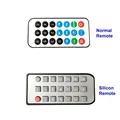
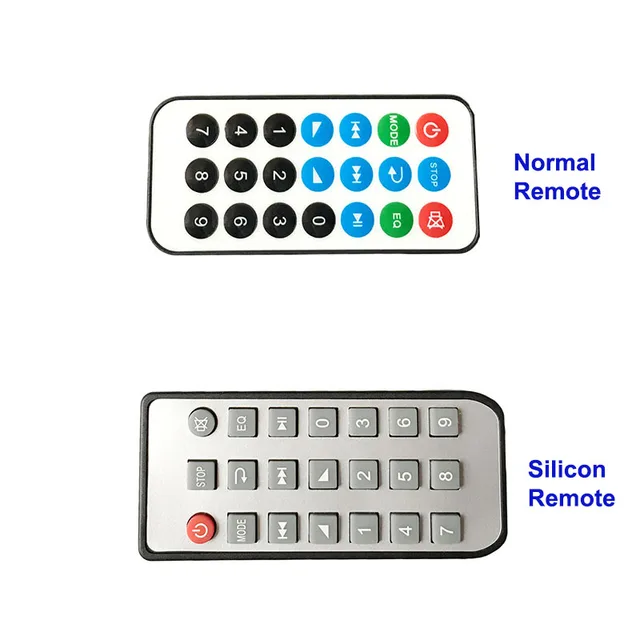
How to use sound card and card reader Function ?1. Use usb cable connect o PC’S USB SLOT , after install the usb dirver in PC ,Plug the U Disk/SD/MMC Card toFlyer-Fish MP3 Bluetooth Module for data transfer ( to PC Or to Card )2.At that time , open PC’ S Player to play via FLYER-FISH MP3 Bluetooth MODULE ( That USB Sound Card Function )How To use Record ?1. Radom 48KHz , MP3 Formate2 Choose the Mode to Record Page ,Long press ‘ EQ ” To enter record , press “paly/pause” to stop record and play3. In FM Mode ( make sure USB OR SD in ) , long press “EQ” To record , press “play/pause” to stop reacod and play4. In AUX Mode ( make sure USB OR SD IN ) , Long Press ” EQ ” To record Current AUX audio in , press “play/pause ‘ to stoprecord and play .5. For play records , choose mode to “play record ” enter to ” recorded ” , press ” next ” or “prev ” for choosePacking List :1PCS*MP3 Bluetooth Module1PCS*Remote control( When you order “White’ , you will get the normal remote , when you order “Black” , you will get the Silicon remote )2PCS*2PIN CABLE2PCS*3PIN CABLE


Follow us on: